

Artificial Intelligence has unlocked a new realm of possibilities in visual design. Whether you’re a digital artist, marketer, designer, or content creator, AI image generation tools are revolutionizing how we create visuals—from hyper-realistic photos to fantasy concept art.
In this in-depth guide, Typlist.com curates the best AI tools for image generation in 2025. We’ll cover their features, use cases, pricing, pros and cons, and how you can leverage them for marketing, branding, product design, or just creative fun.
What is an AI Image Generator?
An AI image generator is a tool that uses machine learning models (especially diffusion models or GANs) to create images from text prompts, sketches, or even other images. These tools are trained on vast datasets and can generate artwork in various styles—realistic, anime, abstract, cyberpunk, watercolor, and more.
Some popular use cases:
- Creating social media content
- Designing marketing visuals
- Developing concept art and storyboards
- Building unique website illustrations
- Enhancing eCommerce product visuals
- NFT & digital asset creation
Top 10 Best AI Tools for Image Generation in 2025
Let’s dive into the best AI image generators, highlighting their core strengths and unique features.
1. Midjourney
Best for: Artistic and high-quality visuals
Midjourney has become the gold standard for AI art creation. Known for its stylized, almost ethereal outputs, it works via Discord, where you input a prompt and get multiple high-res options.
Key Features:
- Text-to-image via Discord bot
- Photorealistic and artistic styles
- Upscaling, variations, and blending
- Wide community and support
Pros:
- Highly aesthetic outputs
- Fast rendering
- Ideal for concept artists and designers
Cons:
- Not beginner-friendly (Discord-based)
- No free tier
Pricing: Starts at $10/month
2. DALL·E 3 (by OpenAI)
Best for: Realistic illustrations and inpainting
DALL·E 3, integrated into ChatGPT (Pro), creates highly contextual images from natural language. It’s also capable of inpainting—editing specific parts of images.
Key Features:
- Deep integration with ChatGPT
- Inpainting and editing
- Accurate visual interpretation
- Custom image size options
Pros:
- Free with ChatGPT Plus ($20/mo)
- High precision and detail
- Easy-to-use UI
Cons:
- Not as artistic as Midjourney
- Limited styles
Pricing: Free with ChatGPT Plus
3. Adobe Firefly
Best for: Designers and commercial creators
Adobe’s Firefly is integrated into Creative Cloud tools like Photoshop and Illustrator. It’s great for branded visual generation, image expansion, and content-aware fill.
Key Features:
- Integrated into Adobe Suite
- Text-to-image and generative fill
- Commercial use license
- Style reference prompts
Pros:
- Enterprise-friendly
- Legal for commercial use
- Part of your Adobe plan
Cons:
- Requires Adobe subscription
- More utility-focused than artistic
Pricing: Included with Adobe CC plans
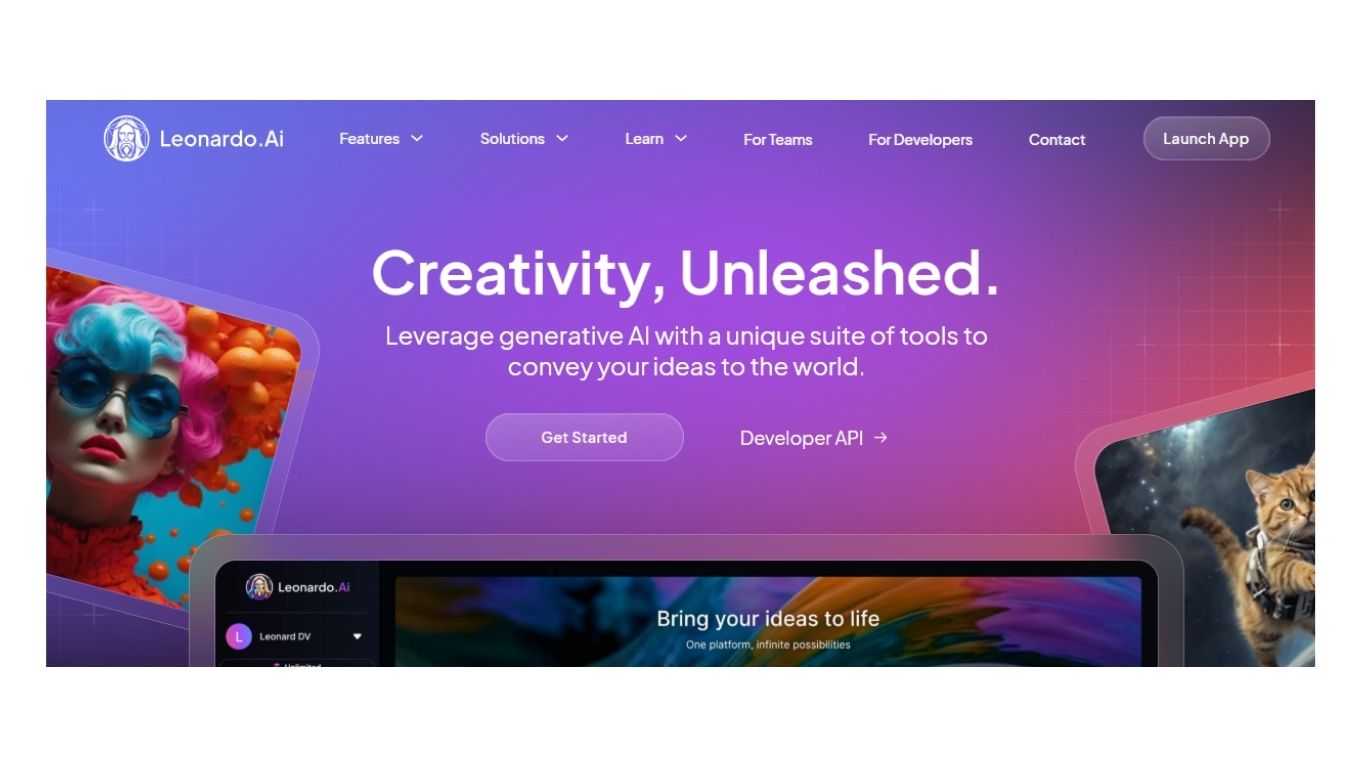
4. Leonardo AI
Best for: Game assets and concept art
Leonardo AI is popular among game developers and designers for generating characters, environments, and UI assets.
Key Features:
- Fine-tune model styles
- Consistent character generation
- Asset creation templates
- Model training options
Pros:
- Ideal for gaming & 3D design
- Highly customizable
- Free tier available
Cons:
- Steep learning curve
- Can be resource-heavy
Pricing: Free + paid plans from $10/month
5. Ideogram.ai
Best for: Text-in-image generation (logos, quotes)
Ideogram stands out for its ability to accurately render text inside generated images—something many tools struggle with.
Key Features:
- Logo and text-based design
- Brand-focused visuals
- Community prompt sharing
Pros:
- Great for logo and meme creation
- Very easy to use
- Free to start
Cons:
- Limited realism
- Lower flexibility for complex art
Pricing: Freemium
6. Canva AI Image Generator
Best for: Marketers & content creators
Canva’s AI-powered image generator is designed for non-designers. Integrated into Canva’s drag-and-drop editor, it simplifies visual creation for presentations, ads, and posts.
Key Features:
- Integrated into Canva editor
- Easy-to-use prompt box
- Combine AI visuals with templates
Pros:
- Perfect for quick content
- No steep learning curve
- Affordable
Cons:
- Less artistic depth
- Limited customization
Pricing: Free + Canva Pro from ₹499/month
7. Artbreeder
Best for: Character design and genetic-style art
Artbreeder uses AI to let users blend and morph images. It’s widely used in character generation, anime art, and avatars.
Key Features:
- Image remixing
- Facial and landscape generators
- Community-based image genetics
Pros:
- Creative and experimental
- Great for RPGs and animations
- Easy to blend features
Cons:
- Limited resolution
- Focused on specific art types
Pricing: Free + premium from $8.99/month
8. Runway ML (Gen-2)
Best for: Video-to-image and motion visuals
Runway is an AI video and image generation platform with advanced tools for creators. Its Gen-2 model even creates short video clips from text!
Key Features:
- Text-to-video + image generation
- Image editing and segmentation
- Multi-modal AI workflows
Pros:
- Advanced generative media options
- Supports motion creatives
- Good for agencies
Cons:
- Steep pricing
- More focused on video
Pricing: Free tier + Paid plans
9. NightCafe
Best for: Hobbyists and casual artists
NightCafe is a beginner-friendly platform that uses Stable Diffusion and DALL·E models to generate art in a wide variety of styles.
Key Features:
- Prompt-based generation
- Multiple model choices
- Print your art as canvas/posters
Pros:
- Easy to start
- Style-rich outputs
- Reward system for usage
Cons:
- Credits can run out fast
- Less control over output
Pricing: Credit-based; free tier available
Read More about Marketing
10. DeepAI Image Generator
Best for: Developers and API users
DeepAI is a more technical tool, offering simple interfaces and developer APIs to integrate image generation into apps.
Key Features:
- API access
- Simple interface
- Prompt-based generation
Pros:
- Developer-friendly
- Lightweight usage
- Free to start
Cons:
- Basic output quality
- Not ideal for creatives
Pricing: Free + API pricing

Feature Comparison Table
| Tool | Best For | Pricing | Styles Available | Commercial Use |
|---|---|---|---|---|
| Midjourney | Artistic visuals | From $10/month | Many | Limited |
| DALL·E 3 | Natural text prompts | $20/month (ChatGPT) | High realism | Yes |
| Adobe Firefly | Brand-safe content | CC Subscription | Commercial, Print | Yes |
| Leonardo AI | Game assets | Free + Paid | Stylized, Anime | Yes |
| Ideogram.ai | Text in image | Free | Meme, Logo | Yes |
| Canva AI | Quick content creation | Free + Pro | Simple styles | Yes |
| Artbreeder | Character generation | Free + Paid | Anime, Portraits | Yes |
| Runway Gen-2 | Motion visuals | Free + Paid | Video, Static | Yes |
| NightCafe | Artistic exploration | Credit-based | Wide variety | Yes |
| DeepAI | API and developers | Free + API | Basic styles | Yes |
How to Choose the Best AI Tool for Your Needs
Choosing the right AI image generator depends on:
- Your objective (marketing, personal art, branding, game design)
- Budget (some offer free trials; others need subscriptions)
- Style flexibility (photorealistic vs. stylized)
- Ease of use (some tools are plug-and-play; others are technical)
Pro Tip: Combine tools for best results—e.g., use Midjourney for art, DALL·E for real-world edits, and Adobe Firefly for branded content.
Best Practices for Prompt Writing
To get the most out of these AI tools:
- Use descriptive keywords: “a futuristic city at night, neon lights, cinematic lighting”
- Add styles and references: “in the style of Studio Ghibli” or “photo-realistic, DSLR quality”
- Specify aspects: aspect ratio, lighting, camera angle, background details
Future Trends in AI Image Generation
The future of AI image tools is shaping up to be:
- More personalized with fine-tuning and style transfers
- Multimodal (text, image, and audio inputs)
- Integrated in mainstream tools like Canva, Adobe, and Figma
- Ethical & IP compliant, with clearer licensing
As AI image generation matures, expect more creator control, faster rendering, and collaborative features.
Conclusion: Unlock Your Creative Potential
AI image generators are no longer just novelty tools—they’re essential creative partners for designers, marketers, and creators alike. Whether you’re crafting ad visuals, building a brand, or simply exploring digital art, there’s an AI tool that fits your workflow.