


In 2025, presentation design has evolved far beyond static slides. With artificial intelligence reshaping how we create content, AI tool for PPT (PowerPoint) have become essential for professionals, educators, marketers, and students alike. Whether you’re crafting investor decks, academic presentations, or marketing pitches, the best AI tool for PPT help you save time, improve design quality, and enhance your storytelling.
Why Use AI Tool for PowerPoint Presentations?
Benefits of Using Best AI Tools for PPT
- Design Automation
AI eliminates the need to manually format each slide by auto-generating layouts, adjusting alignments, and suggesting professional design themes. - Content Assistance
From generating outlines to writing bullet points and speaker notes, AI tools can help ideate, structure, and even rewrite content. - Visual Recommendations
AI tools suggest relevant visuals, icons, stock photos, graphs, and infographics based on your topic and keywords. - Speed & Efficiency
Create a polished deck in minutes instead of hours, thanks to intelligent templates and automation. - Consistency & Branding
Maintain brand identity with auto-applied colors, fonts, and styles.
Top Best AI Tools for PPT in 2025
1. Beautiful.ai
Overview:
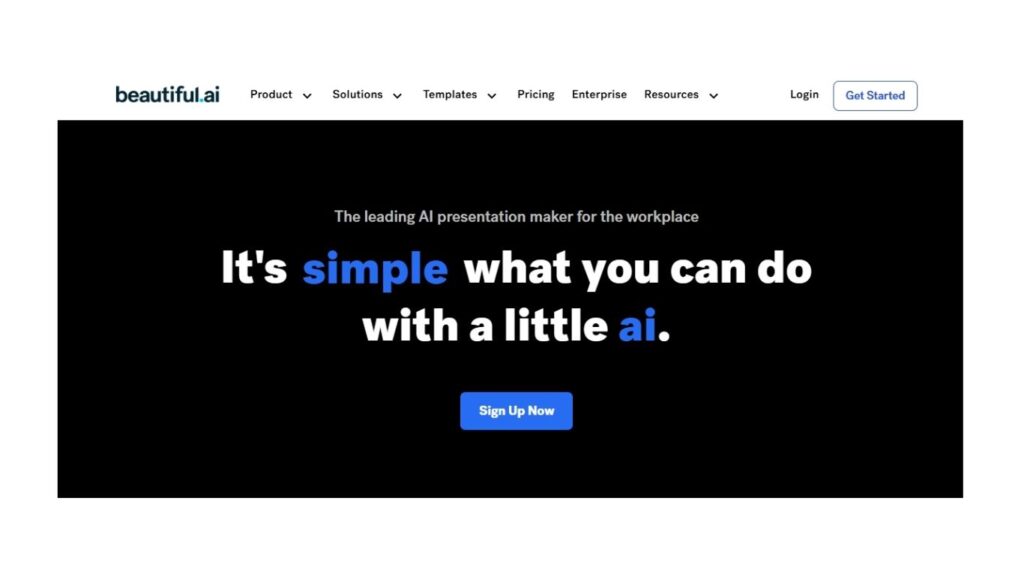
Beautiful.ai is an AI-powered presentation software built from the ground up to make designing presentations intuitive and visually compelling.
Key Features:
- Smart templates that auto-adjust as you add content
- Branding toolkit for consistent corporate design
- Team collaboration features
- AI-generated layout suggestions
Best For:
Startups, marketing teams, and sales professionals
Pricing:
Starts at $12/month with a free trial available
2. Tome
Overview:
Tome reimagines storytelling using AI. It’s not just a PPT alternative—it brings dynamic, narrative-driven slides powered by OpenAI.
Key Features:
- AI-generated content and visual layout suggestions
- Real-time collaboration
- Embeds video, charts, and interactive elements
- Great mobile and desktop experience
Best For:
Founders, educators, and content creators
Pricing:
Free plan available; premium starts at $10/month
3. Gamma.app
Overview:
Gamma uses generative AI to convert your ideas or text into beautiful, scrollable presentations with minimal effort.
Key Features:
- AI-powered content expansion from prompts
- Customizable slide decks
- Supports embedded charts and multimedia
- SEO-friendly and web-publishable format
Best For:
Product teams, internal reports, marketing updates
Pricing:
Free tier available; Pro plan from $8/month
4. Canva Magic Design for Presentations
Overview:
While Canva is widely known, its best AI tool for ppt design are game changers. “Magic Design” leverages AI to generate entire decks.
Key Features:
- AI-generated presentation from just a prompt
- Magic Write (AI copywriting tool)
- Drag-and-drop design editor
- Thousands of templates & assets
Best For:
Designers, freelancers, teachers
Pricing:
Free tier; Pro plan at ₹499/month (India)
5. Designs.ai – Videomaker & Speechmaker
Overview:
Designs.ai offers tools like Speechmaker for generating scripts and Videomaker for turning presentations into videos.
Key Features:
- Convert text to slides or videos
- Voiceover generation with different languages
- Script enhancement
- Stock footage and visuals included
Best For:
YouTubers, educators, content marketers
Pricing:
Starts at $29/month
6. Visme AI Presentation Maker
Overview:
Visme is a visual communication tool with AI enhancements that streamline presentation creation.
Key Features:
- AI-generated slide layouts
- Millions of stock images, icons, and animations
- Brand kit and design consistency tools
- Export as PPTX, PDF, or embed online
Best For:
Enterprises, consultants, data visualizers
Pricing:
Free version available; paid plans from $12.25/month
7. Pitch AI
Overview:
Pitch.com has introduced AI-driven features to assist with slide generation, idea organization, and more collaborative storytelling.
Key Features:
- Real-time AI suggestions for slide content
- Built-in analytics for slide performance
- Collaborative workspace
- Stunning slide templates
Best For:
Startups, pitch decks, investor relations
Pricing:
Free with limitations; Pro plan from $10/month
8. Microsoft Copilot in PowerPoint
Overview:
With Microsoft 365 Copilot, PowerPoint users now get built-in AI assistance directly within their workflow.
Key Features:
- Create entire presentations from Word docs or prompts
- Reformat, rewrite, and enhance slides automatically
- Suggest design and content improvements
- Integrated with Excel and Word for live data
Best For:
Corporate professionals, enterprise users, PowerPoint loyalists
Pricing:
Included in Microsoft 365 Copilot (Enterprise tier)
How to Choose the Best AI Tool for PPT?
1. Define Your Use Case
- Sales/Marketing? Go for Beautiful.ai or Canva.
- Storytelling or Pitching? Try Tome or Gamma.
- Internal Reports or Education? Visme or Microsoft Copilot work best.
H3: 2. Look for These Features
- AI-generated slides and content
- Custom branding and templates
- Collaboration and sharing tools
- Export options (PPTX, PDF, Web)
- AI visual/image recommendations
3. Consider Budget & Compatibility
- If you’re on a budget, try Canva Free or Gamma Free.
- For corporate tools, Microsoft Copilot or Visme Pro offer greater control.
AI-Powered Presentations: Real-World Use Cases
Marketing Teams
- Launch decks, client pitches, campaign updates
- Use: Canva, Beautiful.ai, Pitch
Educators and Trainers
- Teaching slides, course materials, tutorials
- Use: Visme, Microsoft Copilot, Tome
Startups & Founders
- Investor decks, roadmaps, product intros
- Use: Gamma, Pitch, Tome
Freelancers and Designers
- Portfolio slides, proposals, personal branding
- Use: Canva, Designs.ai, Visme
Quick Comparison Table of Best AI Tools for PPT
| Tool | Best For | Notable Feature | Free Plan | Starting Price |
|---|---|---|---|---|
| Beautiful.ai | Teams, Marketing | Smart design engine | Yes | $12/mo |
| Tome | Storytelling | Narrative + AI content | Yes | $10/mo |
| Gamma | Quick slides | AI text to slides | Yes | $8/mo |
| Canva | Versatile design | Magic Design & Write | Yes | ₹499/mo |
| Designs.ai | Video & speech | Text to video | No | $29/mo |
| Visme | Visual data & charts | AI design + brand kits | Yes | $12.25/mo |
| Pitch | Collaborative decks | Analytics & live collaboration | Yes | $10/mo |
| MS Copilot | Enterprises | Integrated with Microsoft 365 | No | Enterprise-only |
Future of AI in Presentations
The future of AI in PowerPoint and presentation design lies in deeper personalization, voice command-based edits, real-time audience analytics, and immersive formats (AR/VR). Expect platforms like Tome and Pitch to go even further with interactive storytelling, while Microsoft Copilot will bring tighter integration into the business ecosystem.
Read More about Marketing
Final Thoughts
If you’re still relying on manual slide design, you’re falling behind. The best AI PPT tools in 2025 are revolutionizing how we communicate ideas, making presentations smarter, faster, and more impactful. Whether you’re a startup founder, marketer, educator, or student, embracing these tools is not just smart , it’s essential.