
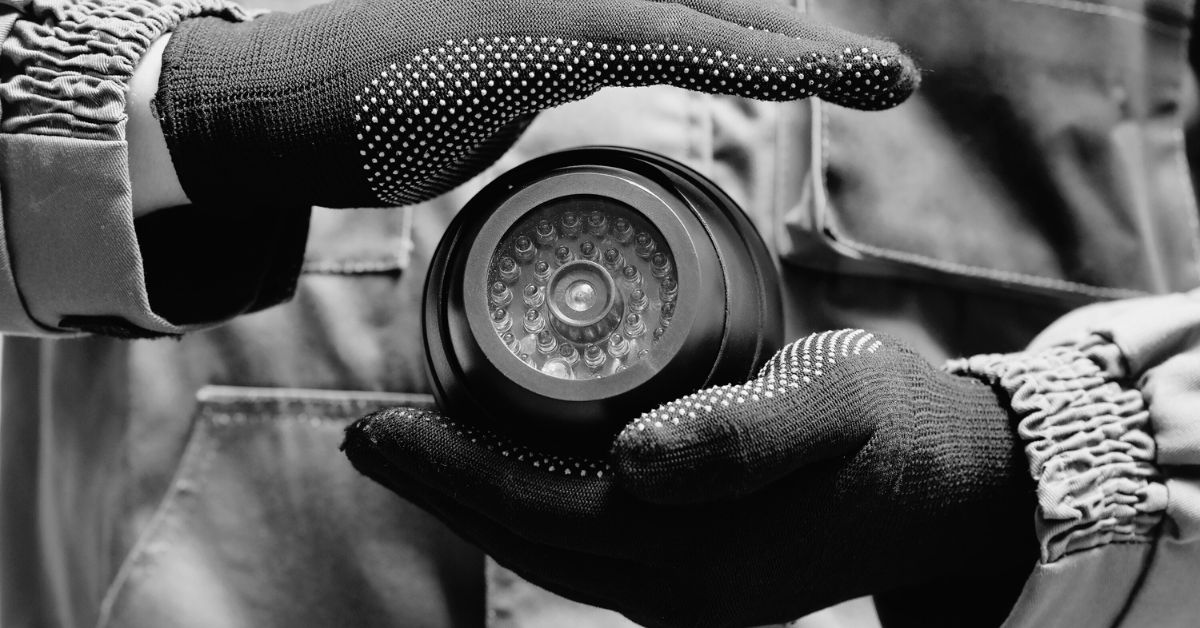

The rise in workplace crimes, break-ins, vandalism, and employee theft has made commercial security camera installation a non-negotiable for businesses in 2025. Whether you manage a retail store, warehouse, office, or multi-location enterprise, the right surveillance system protects your property, employees, customers, and data.
But setting up a commercial CCTV system is not just about mounting cameras—it requires planning, compliance, infrastructure, and strategic execution.
This guide explains everything you need to know about commercial security camera installation—from system design and equipment selection to placement, legal considerations, and smart upgrades.
Benefits of Installing Commercial Security Cameras
Installing surveillance cameras on commercial premises delivers a wide range of advantages, including:
- Crime Deterrence
- Real-Time Monitoring
- Evidence Collection (Legal/Insurance)
- Remote Access and Management
- Employee Productivity Monitoring
- Customer Behavior Analysis
- Loss Prevention
Modern systems also integrate with alarms, access control, and AI analytics for enhanced security automation.
Types of Commercial Security Cameras
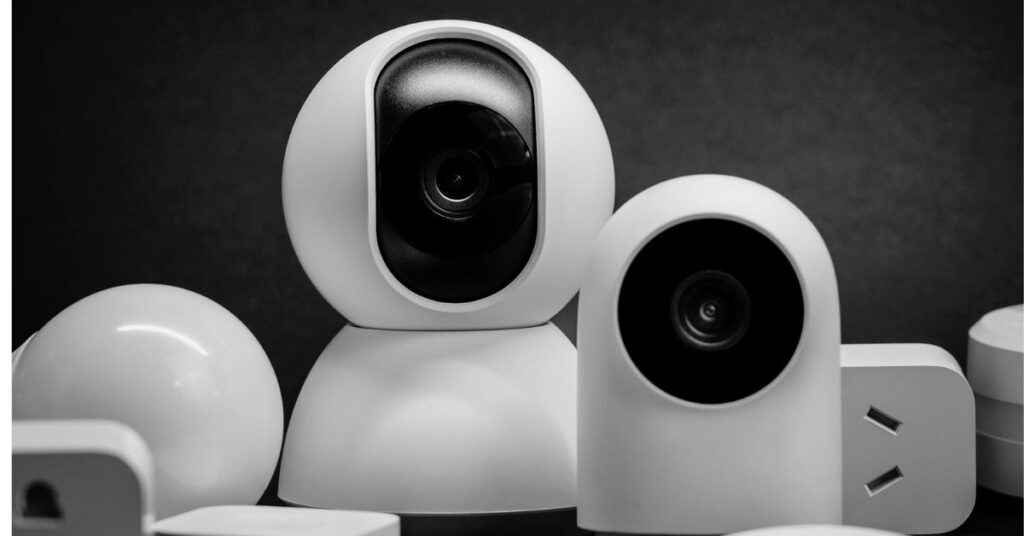
1. Bullet Cameras
- Long-range visibility
- Ideal for perimeter monitoring
- Mounted on walls or ceilings
2. Dome Cameras
- Vandal-resistant
- Discreet and compact
- Used in retail stores and offices
3. PTZ Cameras (Pan-Tilt-Zoom)
- Full 360° coverage with zoom capability
- Best for large areas like parking lots and warehouses
4. IP Cameras (Network Cameras)
- High-resolution digital video
- Easily integrated into IT infrastructure
- Remote access and smart features
5. Thermal/Infrared Cameras
- Used for night surveillance or low-visibility areas
- Ideal for industrial sites or critical infrastructure
6. AI Security Cameras
- Facial recognition, license plate detection, smart alerts
- Powered by edge AI or cloud platforms
Step-by-Step Guide to Commercial Security Camera Installation
Step 1: Assess Your Security Needs
- Identify high-risk zones (entry points, inventory rooms, blind spots)
- Understand business-specific risks (cash handling, data rooms, restricted zones)
- Set security goals (theft prevention, monitoring, evidence recording)
Step 2: Design a Scalable Surveillance System
- Determine the number of cameras needed
- Choose between wired or wireless systems
- Plan for NVR/DVR placement and cabling routes
- Consider network bandwidth and storage requirements
Step 3: Choose the Right Equipment
| Component | What to Consider |
|---|---|
| Camera Resolution | 1080p minimum; 4K for large areas |
| Lens Type | Wide-angle for room coverage, zoom for detail |
| Night Vision | IR or color night vision |
| Audio | One-way or two-way audio capabilities |
| Power Supply | PoE (Power over Ethernet), battery, or wired |
Step 4: Installation and Placement
- Install cameras 8–12 feet above the ground
- Avoid direct sunlight and reflective surfaces
- Cover entry/exit doors, reception, parking, hallways, and loading docks
- Use weatherproof housing for outdoor units (IP66 or higher)
- Angle cameras to minimize blind spots and maximize field of view
Step 5: Connect and Configure
- Connect cameras to NVR or cloud system
- Test power supply and video feed
- Configure recording schedules and motion detection zones
- Set up user access and mobile app controls
Step 6: Test and Monitor
- Perform a full system test during day and night
- Monitor performance for a week before going live
- Set automatic alerts and notifications for real-time incidents
Common Installation Mistakes to Avoid
- Poor camera angles and coverage gaps
- Insufficient lighting for night vision
- Ignoring data privacy laws
- Weak passwords or open network ports
- Inadequate cabling or power supply planning
Wired vs. Wireless Commercial Camera Systems
| Feature | Wired System | Wireless System |
|---|---|---|
| Stability | High (less interference) | May drop on weak signals |
| Installation | More complex | Easier, flexible setup |
| Scalability | Limited by wiring | Easily expandable |
| Power Supply | Constant via cable | Often battery-powered |
| Best Use Case | Large facilities, long-term | Small businesses, temporary setups |
Storage Solutions: Local vs. Cloud vs. Hybrid
Local Storage (NVR/DVR)
- Offers control and no recurring cost
- Vulnerable if on-site system is destroyed or stolen
Cloud Storage
- Accessible from anywhere
- Subscription-based with flexible storage size
Hybrid Storage
- Combines on-site and cloud redundancy
- Ensures data backup and fast access
Legal and Privacy Compliance
Important Guidelines:
- Install cameras only in public or work areas
- Never install in restrooms, changing rooms, or private offices
- Place signage to inform staff and visitors of surveillance
- Store footage securely with encrypted access
- Retain footage only as long as legally required
Check compliance with local, national, and international laws such as:
- GDPR (Europe)
- CCPA (California)
- Indian IT Rules
- HIPAA (for healthcare facilities)
Integrating AI and Smart Features
AI can enhance commercial security systems through:
- Facial and object recognition
- License plate recognition for access control
- Activity and behavioral analytics (e.g., loitering detection)
- Real-time threat alerts and event tagging
- Voice control via Alexa, Google Assistant, or Siri
Cost of Commercial Security Camera Installation (2025 Estimates)
| Component | Average Cost (USD) |
|---|---|
| Cameras (per unit) | $100 – $500+ |
| NVR/DVR | $200 – $1,000+ |
| Cabling and Accessories | $100 – $500 |
| Installation Services (per site) | $500 – $2,000+ |
| Cloud Storage (monthly) | $5 – $50 (optional) |
Total cost depends on facility size, camera types, AI features, and installation complexity.
Choosing a Commercial Surveillance Installer
Look for a professional who offers:
- Certified and insured installation
- Experience with your industry or business type
- Scalable system designs
- Post-installation maintenance
- Transparent pricing and equipment warranties
- 24/7 support and monitoring options
Maintenance Checklist for Commercial Security Cameras
- Clean lenses and housings monthly
- Check cables and connectors for wear
- Test night vision and IR functionality
- Update firmware and security patches
- Review storage space and overwrite settings
- Verify cloud sync and user access regularly
Future-Proofing Your Security Investment
To ensure your system remains effective:
- Choose cameras with firmware support
- Invest in modular systems (expandable NVRs or wireless cams)
- Enable AI and smart integrations for efficiency
- Regularly review policies and access controls
- Train staff on security protocols
Conclusion: Smart Surveillance, Smarter Business
Commercial security camera installation is not just about protecting assets—it’s about building a culture of safety, accountability, and trust. As threats evolve in 2025, businesses must upgrade from outdated systems to intelligent, connected, and compliant security infrastructures.
Whether you’re a startup, a growing retailer, or a multi-site enterprise, investing in the right commercial surveillance system can reduce risk, improve productivity, and enhance your brand’s reputation.
Note from Net Covet
Net Covet specializes in professional-grade CCTV and security solutions for businesses of all sizes. From custom camera layouts to full-scale commercial installations, we help secure your workplace with modern, AI-powered, and cloud-enabled systems. Trust Net Covet for compliant, scalable, and future-proof security.
Explore commercial packages at netcovet.com
Read More About This: https://typlist.com/category/tech/